
See the results your suppliers share with you in one inventory.
Invite your suppliers, receive the results they attach to you, and export them as CSV. Producers enter once; you get fixed versions with the allocation they set.
- ✓ Free for producers
How Supplier Share connects each stage
Producer
Crop farm · Livestock farm · Grain supplier
ΣSupplier ShareProcessor
Ingredients · Food · Materials
ΣSupplier ShareManufacturer
Packaged goods · Beverage · Consumer goods
ΣSupplier ShareReporting organisation
Product tour
From invitation to export
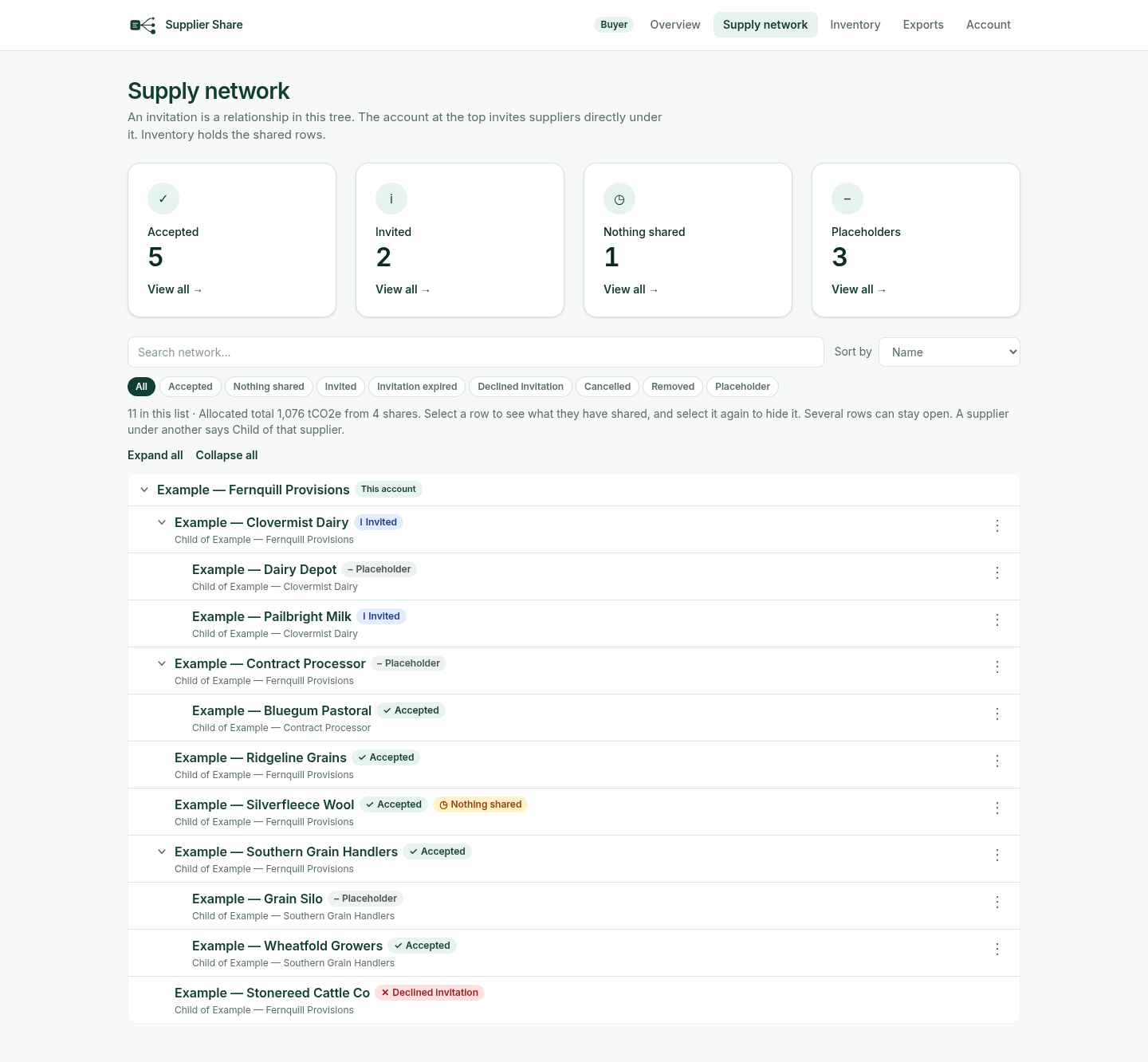
1. Build your supply network
Invite your immediate suppliers and track each invitation’s status.
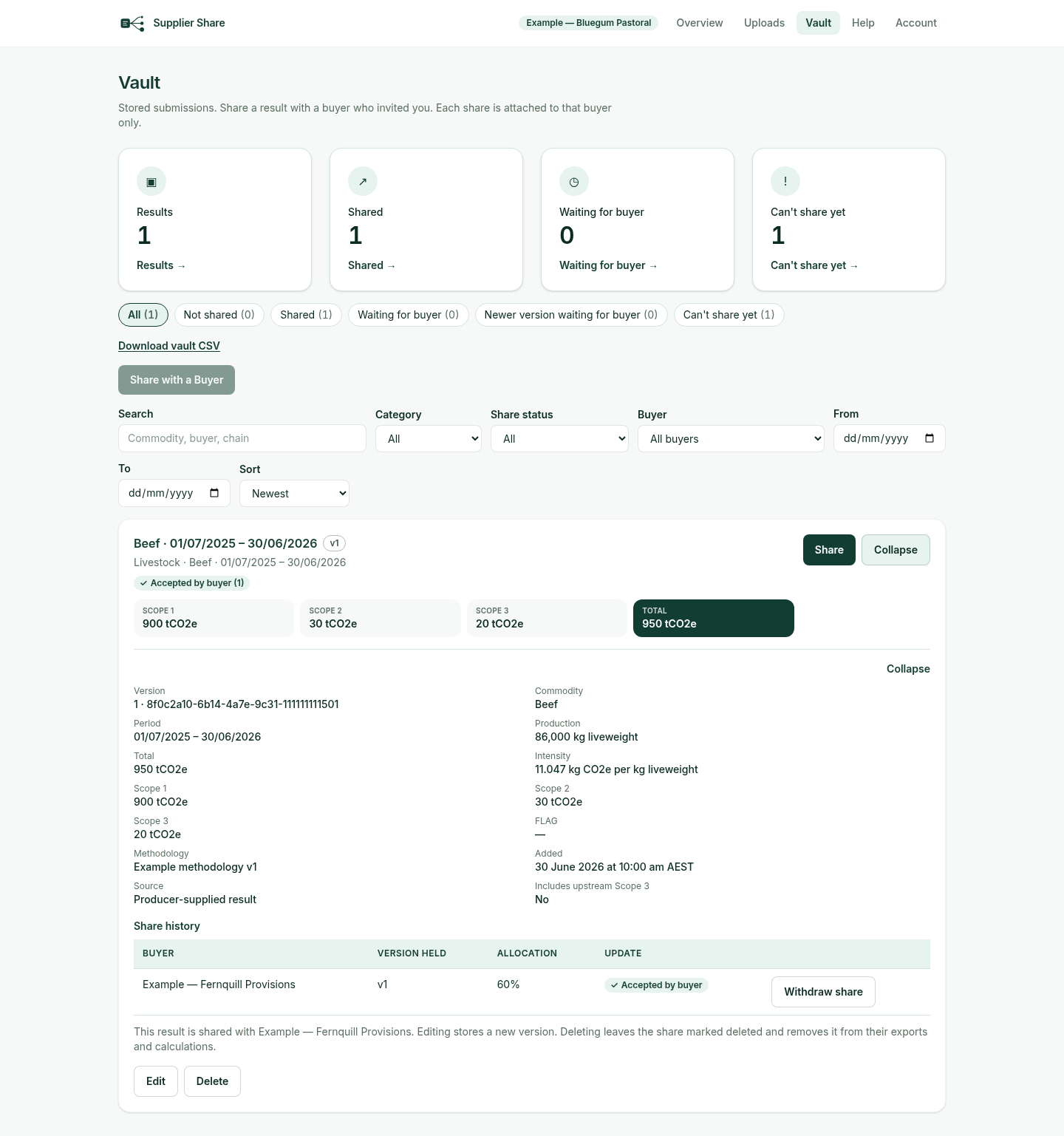
2. Producers attach results
A producer enters or uploads a result once, then shares a version with each buyer who invited them, with an optional allocation %. Each share is attached to that buyer only.
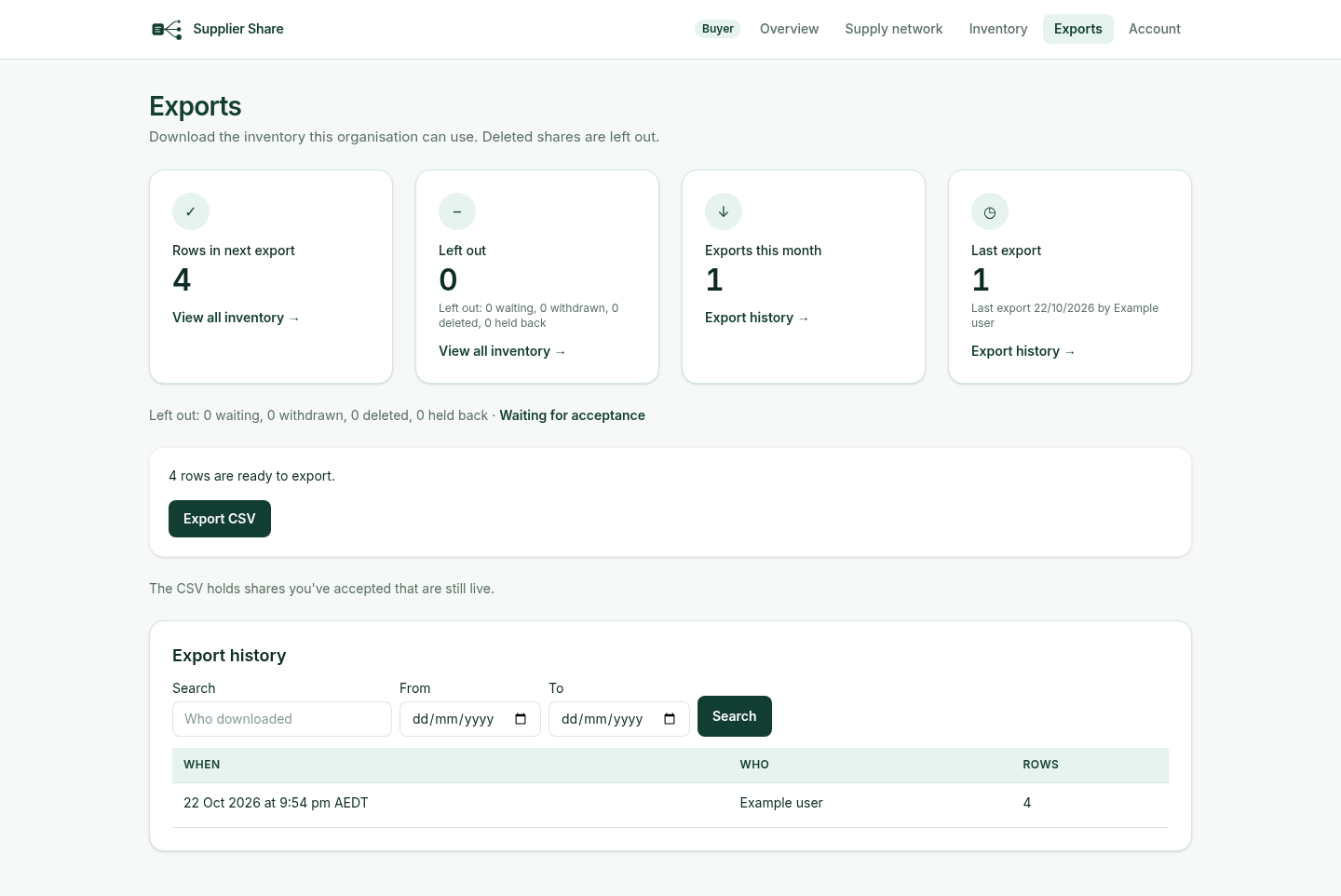
3. Export with a clear record
The CSV holds the shares you have accepted that are still live. Export history records who downloaded and when.
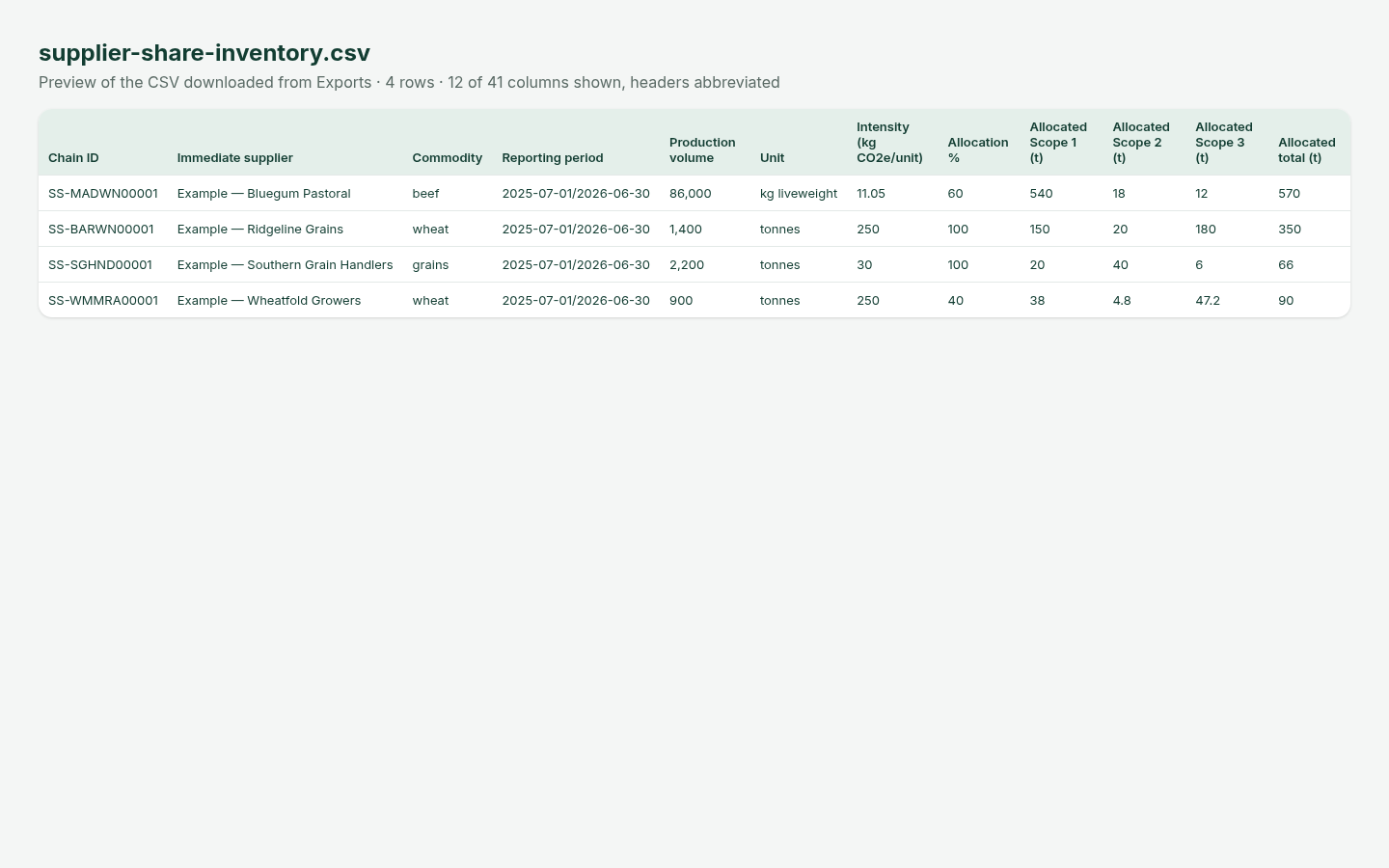
4. Work with the CSV in your own process
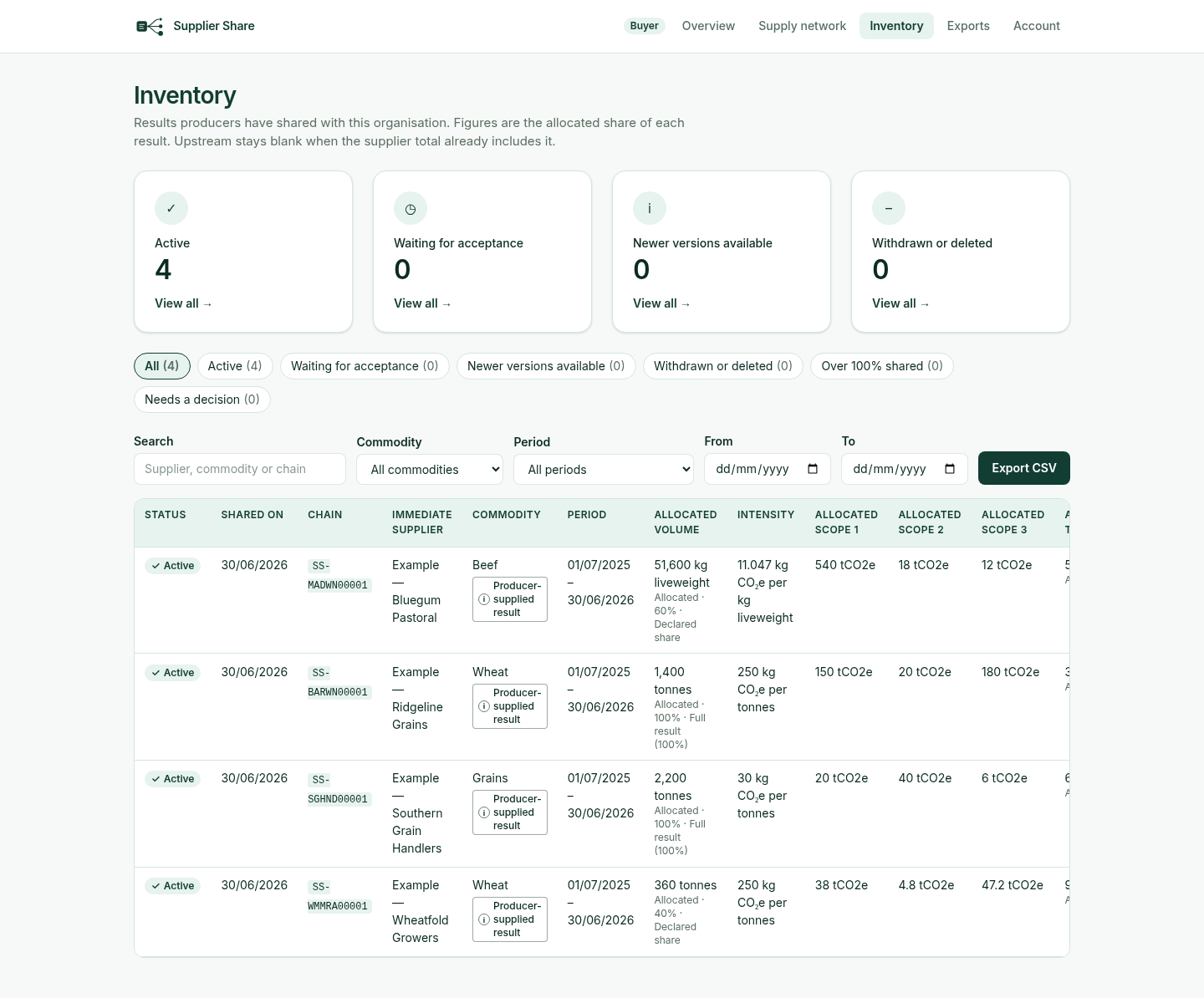
Each row carries the chain ID, immediate supplier, commodity, reporting period, volume, intensity, allocation % and allocated scope figures.
Request accessFixed versions
A producer edit creates a new version; figures you already hold are not overwritten.
Controlled visibility
You see what your immediate suppliers attach to you, plus aggregated upstream figures only.
Free for producers
Producers enter a result once and share it with each buyer who invited them.
Bring your suppliers’ results into one place
Buyer access is reviewed and approved. Producers join by invitation only.
Request access